How Compass Keeps Your Notes Secure

The Compass Team
April 7, 2026 · Updated September 2, 2026
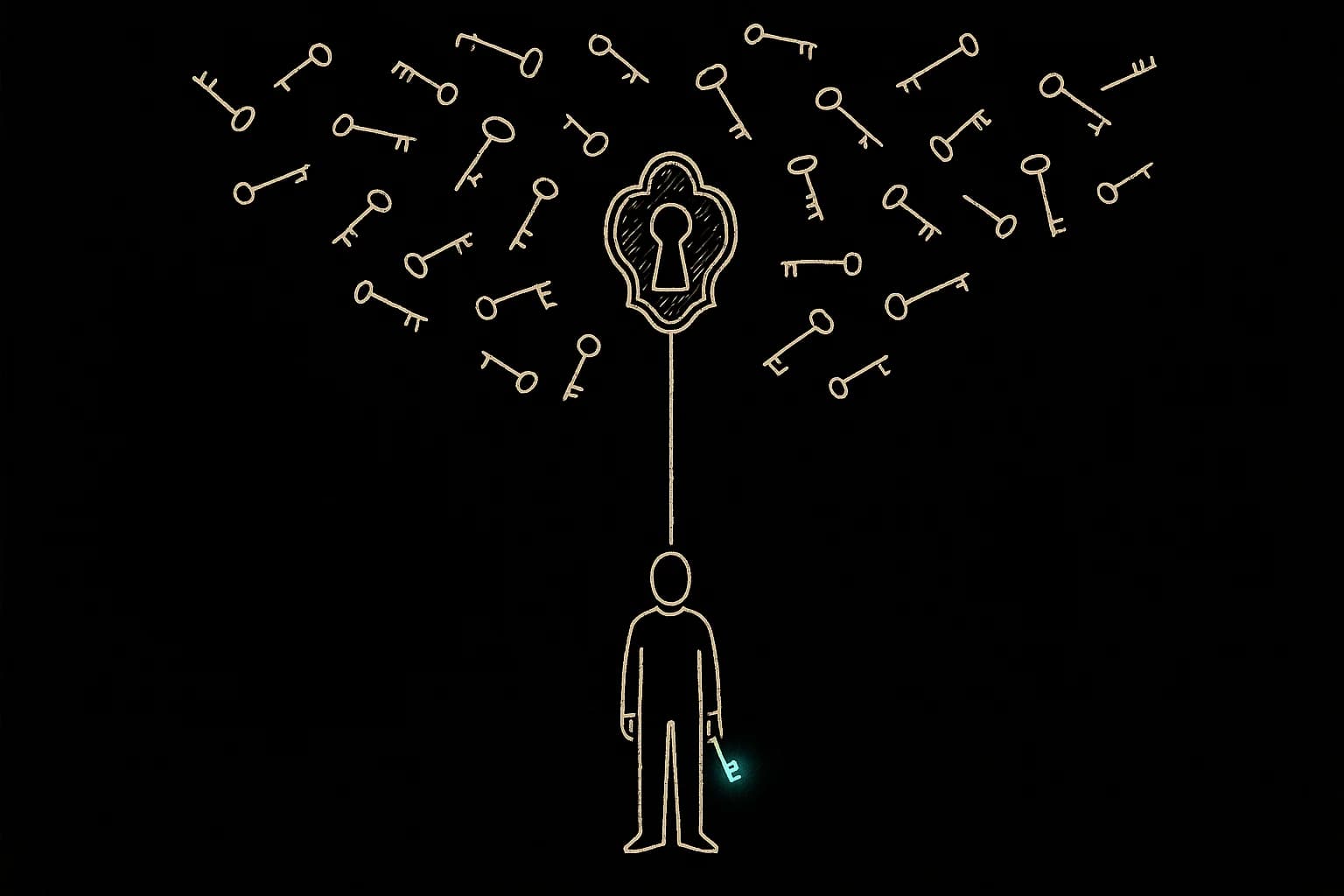
Founders write things they wouldn't say out loud.
Doubts about cofounders. Numbers that scare them. Sketches of decisions still 6 months from happening. The whole point of Compass is that you can dump it all in and trust the system to think with you. That trust has a precondition: when you write something private, it actually stays private.
So the question worth asking is the ugly one. If a Compass database leaks tomorrow, what happens to your notes?
The answer should be: nothing useful for the attacker. Here's how we got there.
The Threat We're Defending Against
Most data breaches look like a misconfigured backup. A leaked S3 bucket. A junior engineer with too many permissions. A SQL injection that dumps a table to a forum somewhere.
The category we worry about most is database exfiltration. Someone gets a copy of the rows. We want those rows to be cryptographic noise. Bytes that look indistinguishable from random.
Two Locks, One Vault
The pattern we use is called envelope encryption. It's how AWS, Google Cloud, and Azure all handle customer data at rest. The shape is:
Every user has a personal key (called a Data Encryption Key, or DEK). When you save a note, it gets encrypted with your key using AES-256-GCM, the same algorithm Signal, banks, and the US government use for classified data up to TOP SECRET.
Your personal key is itself locked with a master key (called a Key Encryption Key, or KEK). The encrypted version of your key sits in our database next to the notes. Useless without the master.
The master key lives in a separate vault, not in the database. We use Cloudflare's secrets infrastructure for this. Different system, different access controls, different audit logs, different blast radius.
To read one of your notes, the system needs three things at the same time: the encrypted note, the encrypted personal key, and the master key from the vault.
Steal one, you have nothing. Steal two, you still have nothing. You'd need all three at once, from three independently locked-down systems.
Why Per-User Keys Matter
A lot of products encrypt with a single master key for everyone. It's faster, it's simpler, and a single key compromise leaks the entire dataset. We've seen this go wrong publicly more than once.
Per-user keys mean an attack on one founder is contained. Something going wrong with one user's key wouldn't cascade to anyone else. It also means key rotation can happen surgically instead of as a 6-month migration project.
This is the same model 1Password uses for its server-side records, and it's part of why their breach disclosures are so consistently boring.
The Database Trigger That Refuses Plaintext
Here's the part most security write-ups skip.
You can have the world's best encryption library, but encryption only works if every code path actually uses it. One forgotten INSERT from a debug script, one developer testing a fix at 2 AM, one migration that copies a column wrong, and you've got plaintext sitting in a row that everyone forgot about.
So we pushed the rule into the database itself. There's a trigger that fires before any insert or update on the notes table. If the row tries to write plaintext content, the database throws an error and refuses the write. If the encryption flag is missing or wrong, same outcome.
The application can't bypass it. A migration can't bypass it. A confused engineer running an ad-hoc query at midnight can't bypass it.
It's the kind of belt-and-suspenders move you don't appreciate until the day it saves you.
Why the IV (and the Auth Tag) Matter
A few smaller details that quietly do a lot of work:
Random IV per encryption. Every time we encrypt a note, we generate a fresh random Initialization Vector. This means encrypting the word "test" twice produces two completely different ciphertexts. Without it, attackers could spot duplicates across the dataset and infer patterns. AES-GCM specifically requires this, and reusing an IV with the same key catastrophically breaks the algorithm. We don't.
GCM authentication tag. GCM (the mode we use) encrypts and signs in one step. Every encrypted blob carries a tamper-detection tag. Flip a single bit in the database, and decryption fails loudly instead of returning garbage. This protects against an attacker who can write to the database but not read it (rarer, but it happens).
How This Stacks Up
Here's the comparison against what's industry standard for cloud SaaS in 2026:
| Practice | Industry Standard | Compass |
|---|---|---|
| Algorithm | AES-256-GCM | AES-256-GCM |
| Envelope encryption (KEK + DEK) | Yes, for tier 1 cloud SaaS | Yes |
| Per-user keys | Rare outside security tools | Yes |
| Master key in separate vault | Yes for compliant SaaS | Yes |
| Random IV per encryption | Required for AES-GCM safety | Yes |
| Tamper detection (auth tag) | GCM standard | Yes |
| Key rotation support | Required for SOC2 | Yes |
| Database-level plaintext rejection | Almost no consumer app does this | Yes |
The cryptographic recipe matches what you'd get from AWS S3 server-side encryption, Google Drive, or Dropbox. The trigger-level enforcement is something we haven't seen in any consumer note app we've audited.
What This Is Not
We owe you the honest version.
Server-side encryption protects your notes from one specific category of attack: people who get the data but not the master key. It doesn't make Compass end-to-end encrypted (E2EE).
E2EE means the key lives only on your device, derived from your password, and the server literally can't decrypt your data, ever. Signal does this. ProtonMail does this. Standard Notes does this. They're real privacy products and we respect them.
We chose server-side encryption over E2EE for one reason: inference. Compass needs to read your notes to find patterns across them, generate weekly reflections, and surface insights you'd miss on your own. If the server can't read the text, none of that works.
That's the tradeoff we made, and we want to be transparent about it. You're trusting Cloudflare not to combine three independently locked-down systems against you. The same trust you extend to every cloud SaaS you use today, including the one your company runs on.
How We Compare to Other Note Apps
A quick survey of where the popular options sit:
- Apple Notes: Default is iCloud-synced, server-side decryptable. End-to-end only if you turn on Advanced Data Protection (most people don't). Strong, but opt-in.
- Notion: Server-side encryption at rest. No per-user keys publicly disclosed. Their team can read your pages.
- Google Keep: Server-side encryption with Google's standard at-rest stack. Google can read your notes.
- Evernote: Server-side encryption at rest. They added an optional in-note "encrypted text" feature but the surrounding metadata sits in plaintext.
- Day One: End-to-end encrypted with a key derived from your master password. Strong, but no AI features that touch note content.
- Standard Notes: End-to-end encrypted by default. Same tradeoff as Day One: limited AI on note content.
- Compass: Envelope encryption with per-user keys, master key in a separate vault, plaintext rejected at the database layer. Server can decrypt to power insight generation.
We sit in the middle of the spectrum on purpose. Strong server-side protection, with the openness that lets the product be useful.
The Tradeoff We Actually Made
Pure end-to-end encryption gives you a dumb text editor, safe because nothing can touch your notes, including the thing you bought to help you think. Pure cloud AI gives you a brilliant assistant that quietly turns your private thoughts into someone else's training data. Neither one is what a founder actually needs, so we picked the harder path: encrypt the things that should never leave your control, run inference on the things that need to compound into something useful. The wall sits in the right place, between the database and the world, not between you and your own ideas.
This is the design, on purpose. The notes you write at 2 AM about a cofounder problem stay locked behind three independent systems. The patterns across six months of those notes still get to surface when you sit down on Sunday to think. Our own workflow needs both halves, and so does yours.
Privacy that costs you the product is just a coffin with a lock. We're building something you can actually use.
Share this article